Setting Up a Workshop for Acrylic CO2 Laser Cutting

Setting Up a Workshop for Acrylic CO2 Laser Cutting

INDUSTRIAL NEWS

Setting Up a Workshop for Acrylic CO2 Laser Cutting

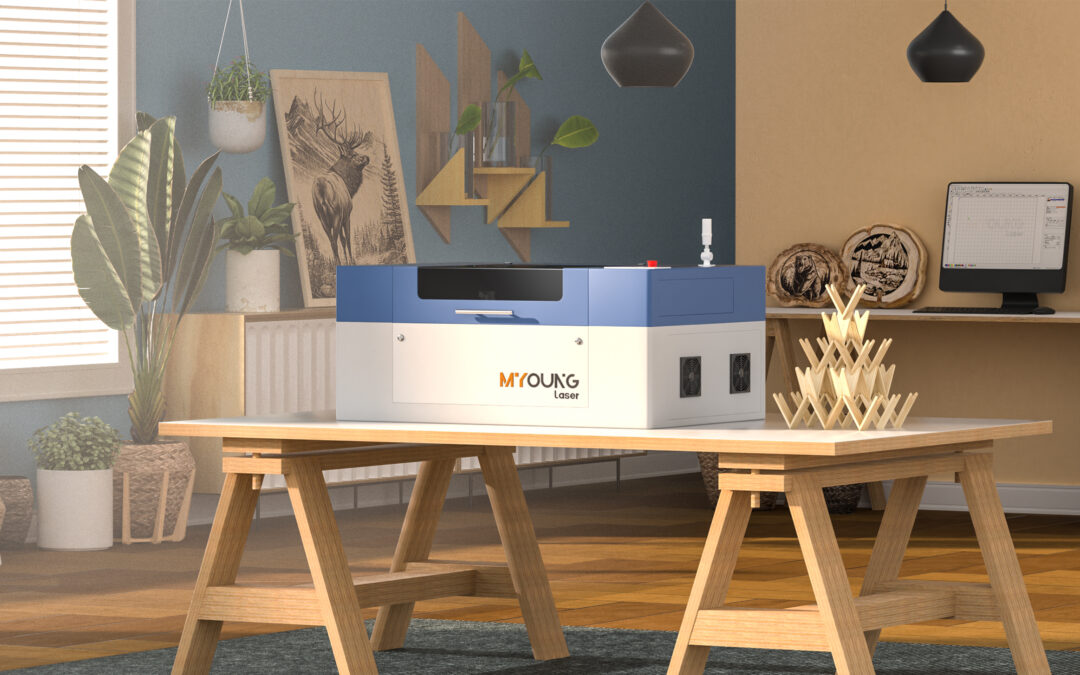
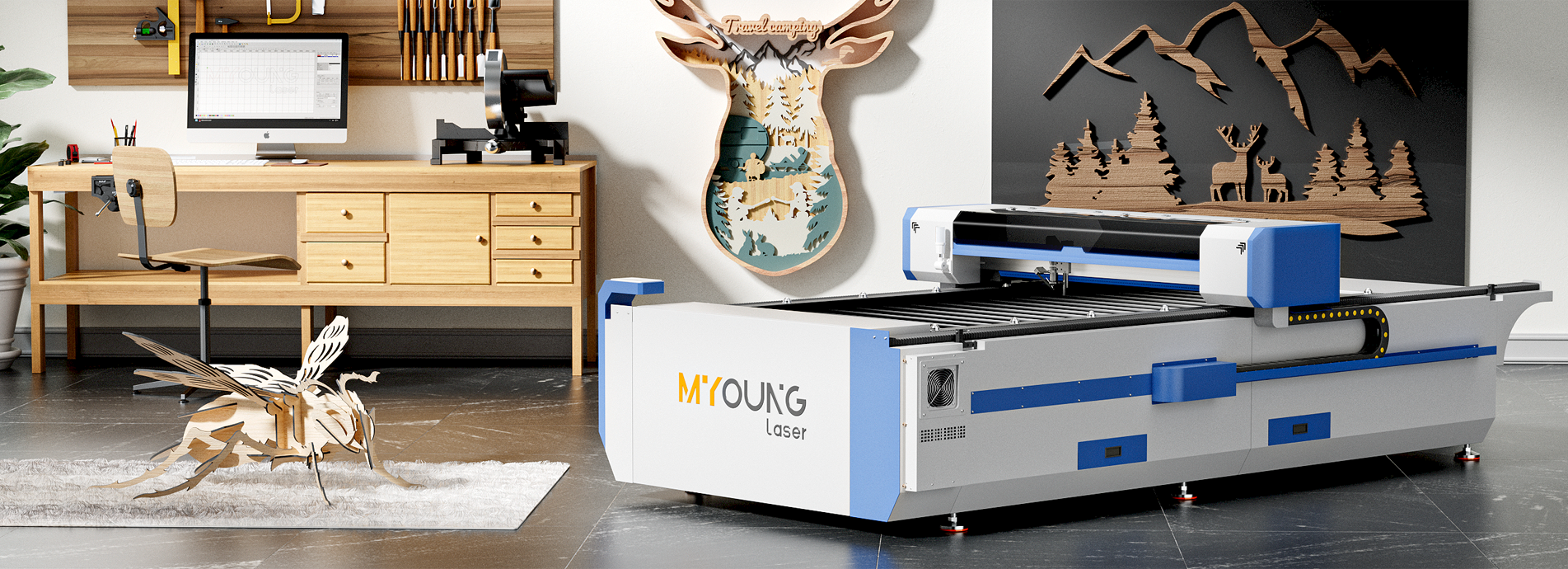
CO2 laser machines have become increasingly popular for working with acrylic due to their ability to deliver precision and smooth finishes in cutting and engraving tasks. When setting up a workshop dedicated to acrylic CO2 laser cutting, there are several critical aspects to consider for an efficient, productive, and safe environment.

1. Selecting the Right CO2 Laser Machine

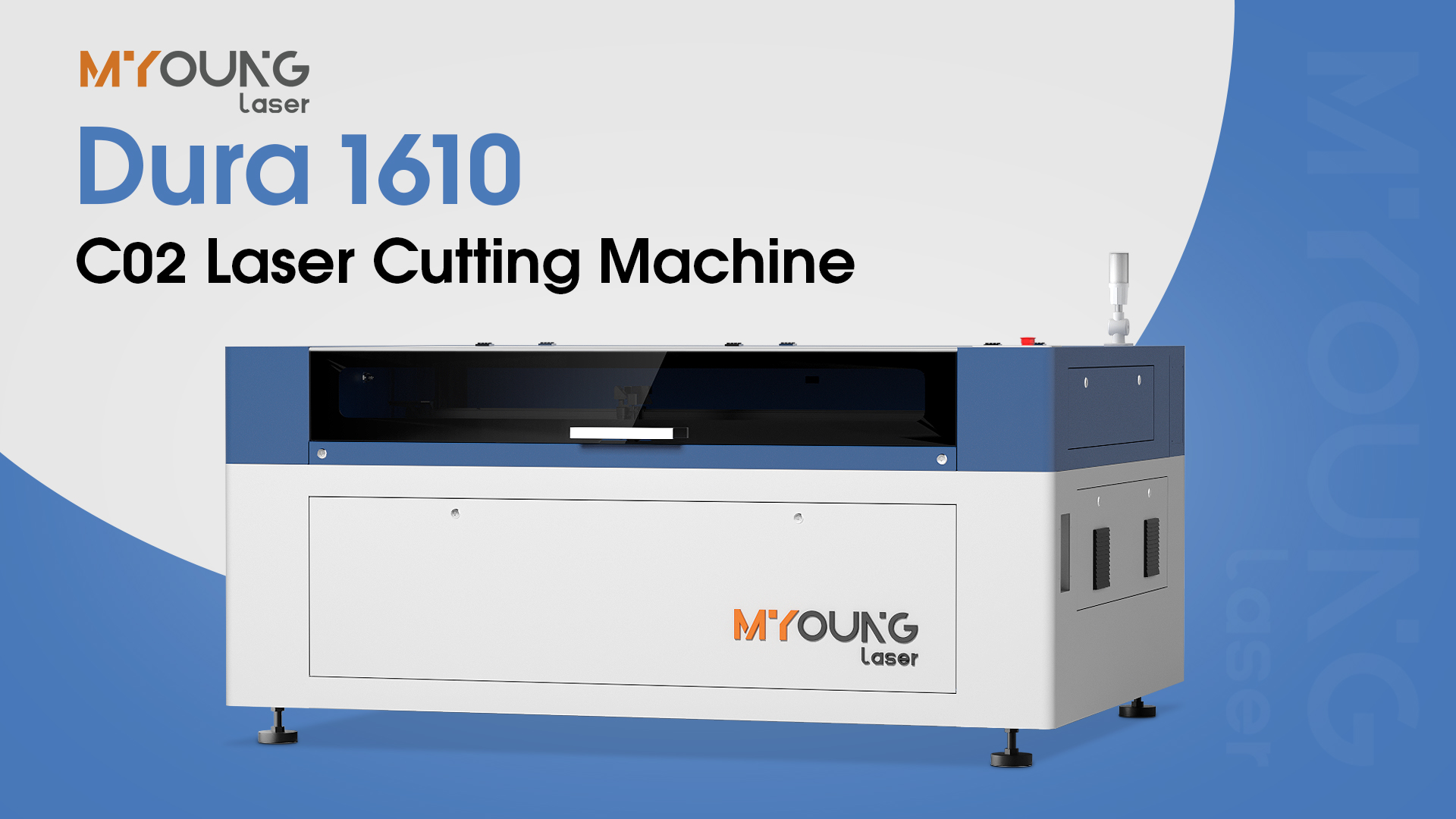
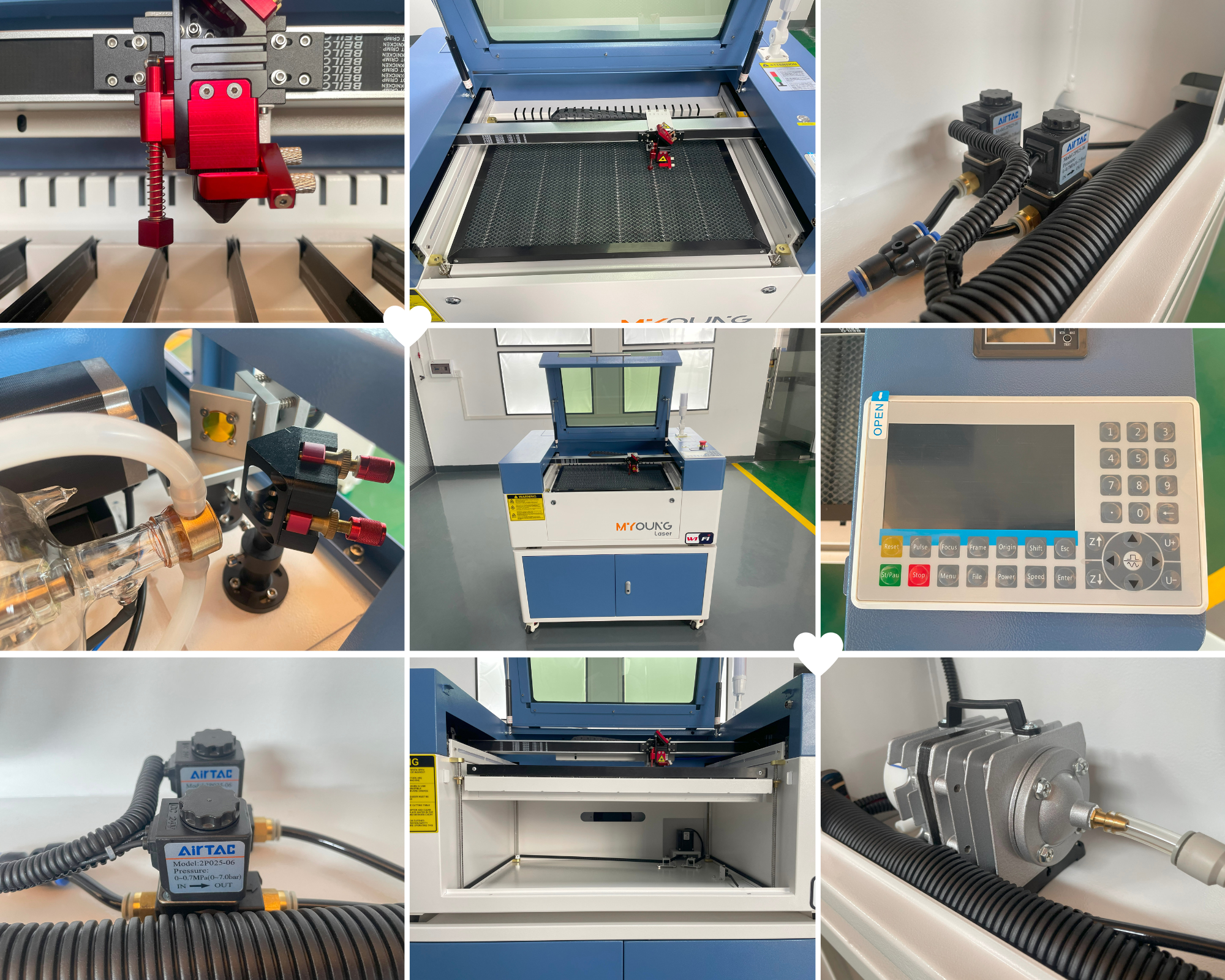
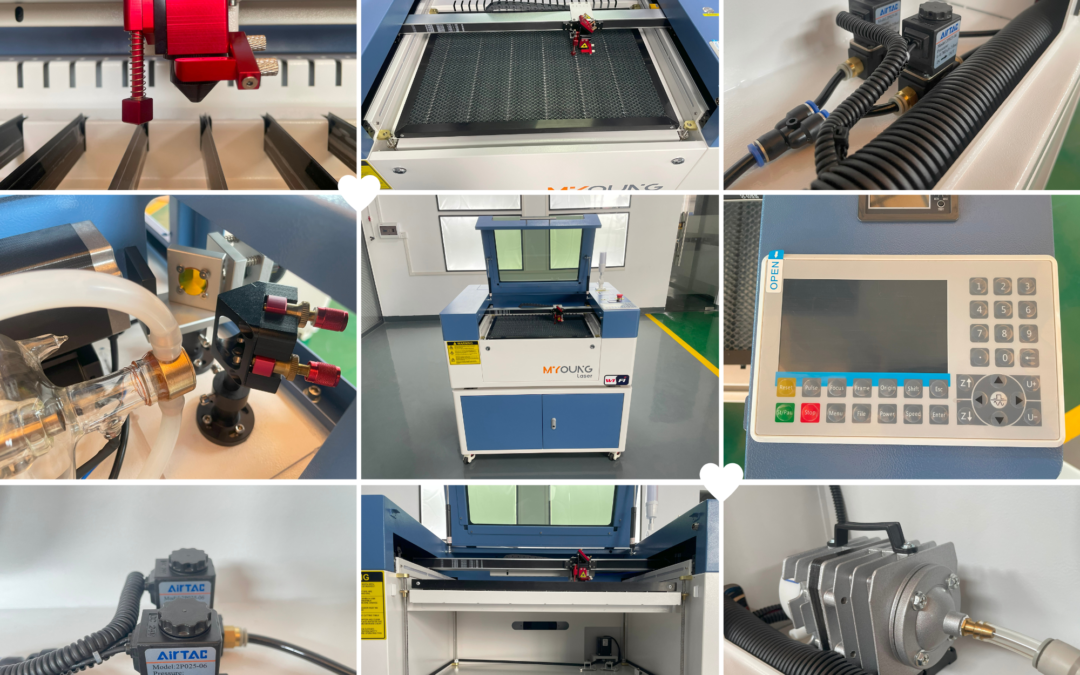
  • Machine Type and Features: For an acrylic-based workshop, selecting a reliable CO2 laser machine with capabilities suited to the material is essential. MYounglaser offers high-quality options, such as its Dura series, which is known for precision and durability. When choosing a machine, consider factors like cutting area, power options, and compatibility with various acrylic thicknesses.
  • Compatibility with Accessories: Machines compatible with additional accessories (e.g., air-assist nozzles and rotary attachments) allow for more versatility in acrylic cutting and engraving projects.

2. Ensuring Proper Ventilation and Fume Extraction

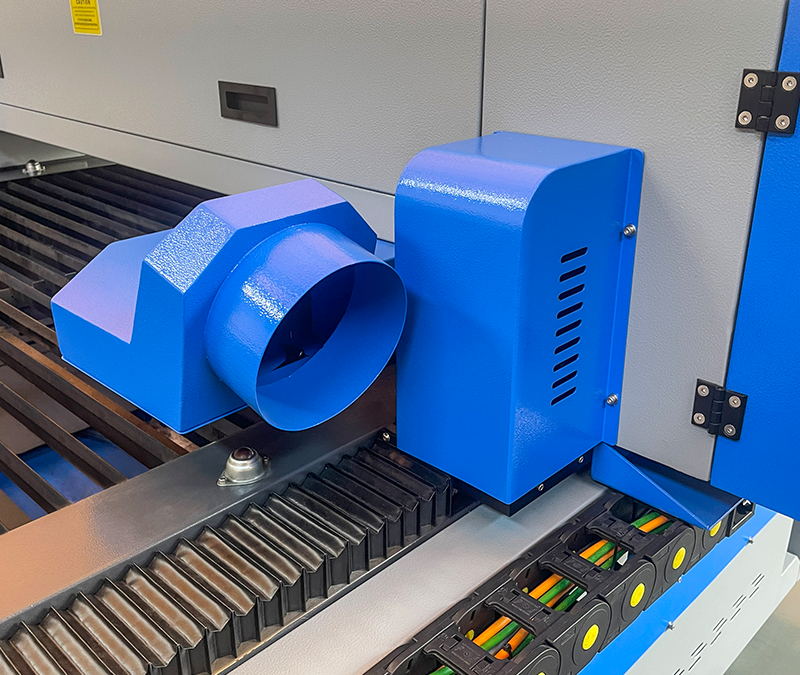
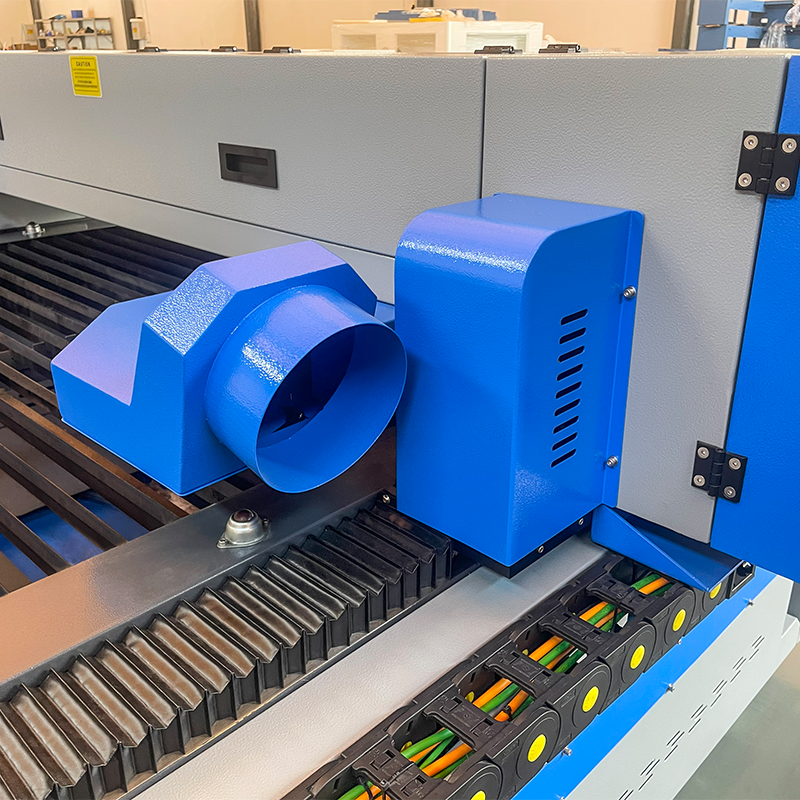
  • Fume Extraction System: Laser cutting acrylic produces fumes and particles that can be harmful if inhaled. Installing a quality fume extractor ensures a safe working environment. Position your machine near an exterior wall for easier installation of exhaust systems.
  • Ventilation: Beyond fume extraction, ensure that your workshop is well-ventilated. Regular airflow prevents the buildup of fumes and helps protect the machine and materials from overheating.

3. Setting Up a Stable Power Source

  • Stable Voltage Supply: CO2 laser machines require a consistent power supply to maintain performance and safety. Many machines, including those from MYounglaser, operate at 220V-240V. Consider installing a voltage stabilizer if power fluctuations are common in your area.
  • Dedicated Circuit: Setting up a dedicated electrical circuit for the laser machine can prevent interference from other devices and improve machine safety.
Acrylic Laser Cutting Machines

4. Organizing Workspaces and Material Storage

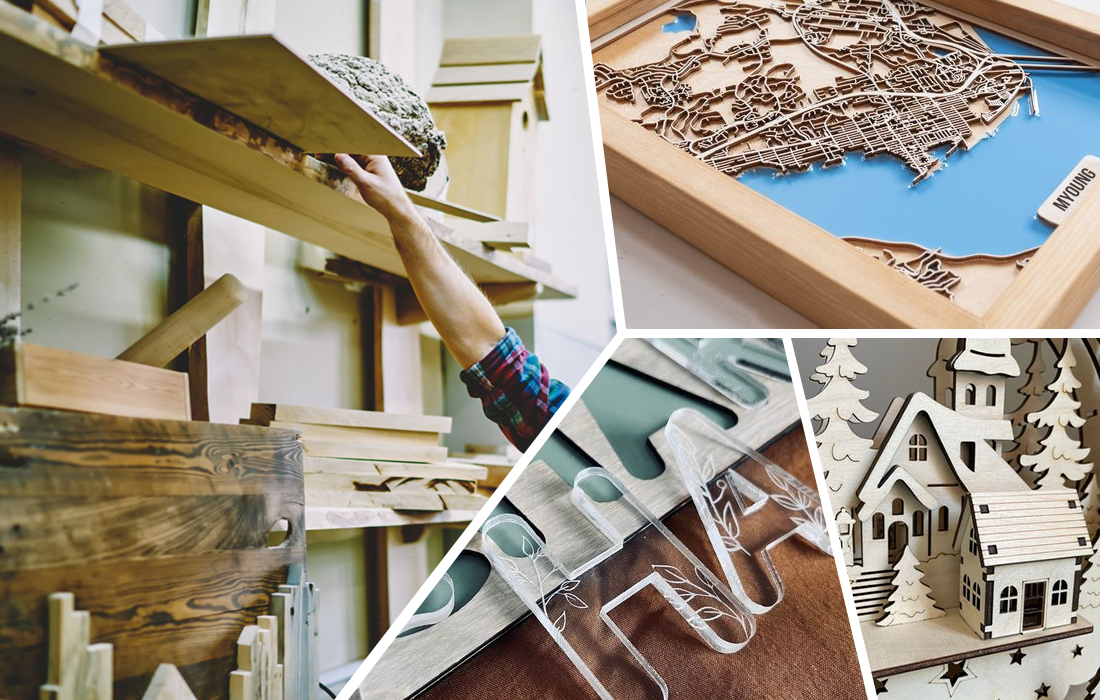
  • Material Storage: Acrylic sheets and scraps should be stored in a designated area to keep your workspace organized and accessible. A storage rack or cabinet helps protect acrylic sheets from scratches, dust, and contaminants that could impact cutting quality.
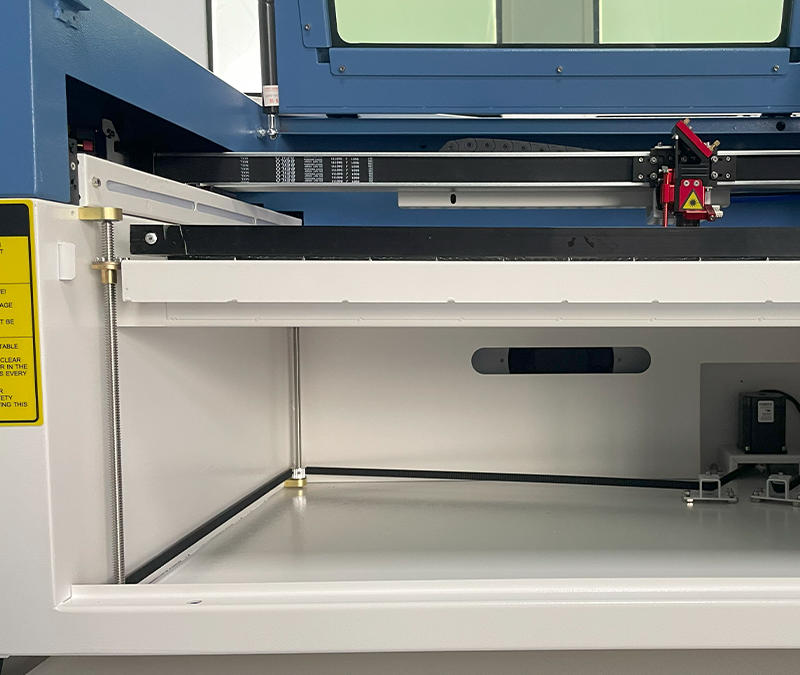
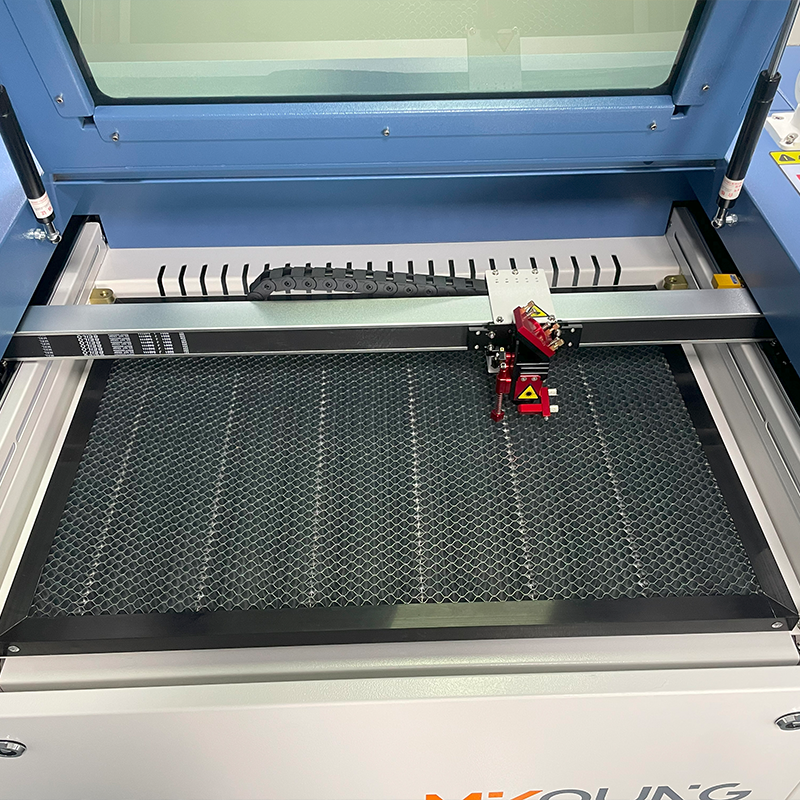
  • Cutting Surface Management: Invest in a honeycomb or knife-edge table, which can be integrated with CO2 laser machines to ensure precise cutting and prevent beam reflection damage to acrylic.

5. Safety Measures and Fire Prevention

  • Fire Extinguishers: As laser cutting involves high temperatures, having a fire extinguisher specifically designed for electrical and chemical fires on hand is critical. Train all staff members on how to use it effectively.
  • Eye Protection and Safety Protocols: While many CO2 lasers come with enclosed designs, eye protection is recommended, especially when inspecting or making adjustments to the machine.

6. Software and Design Preparation

  • Design Software: Prepare to work with design software compatible with CO2 laser machines. Software like CorelDRAW, Adobe Illustrator, and LightBurn are commonly used for creating and adjusting cutting and engraving files.
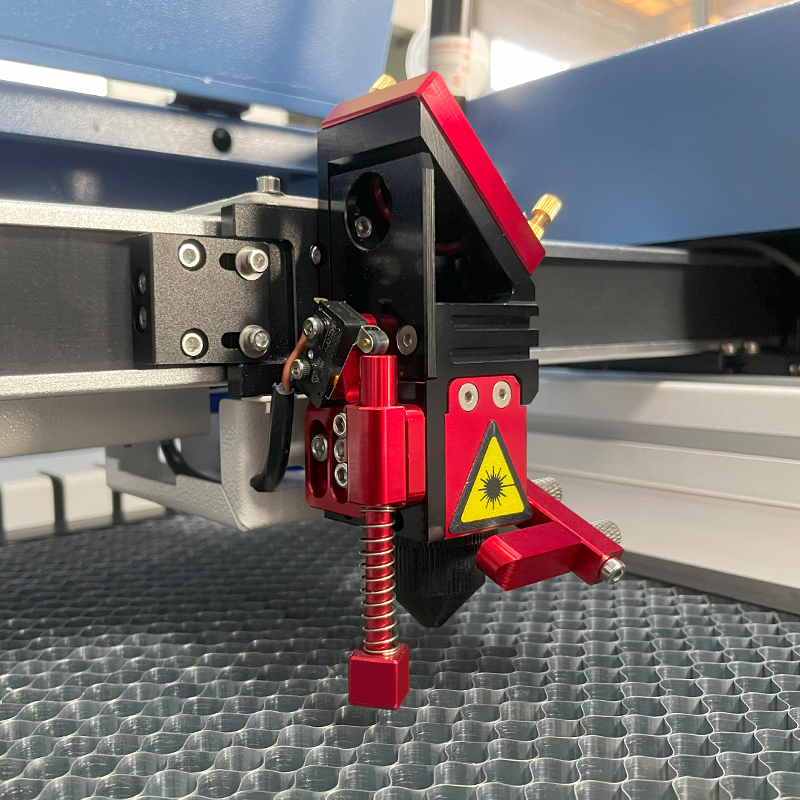
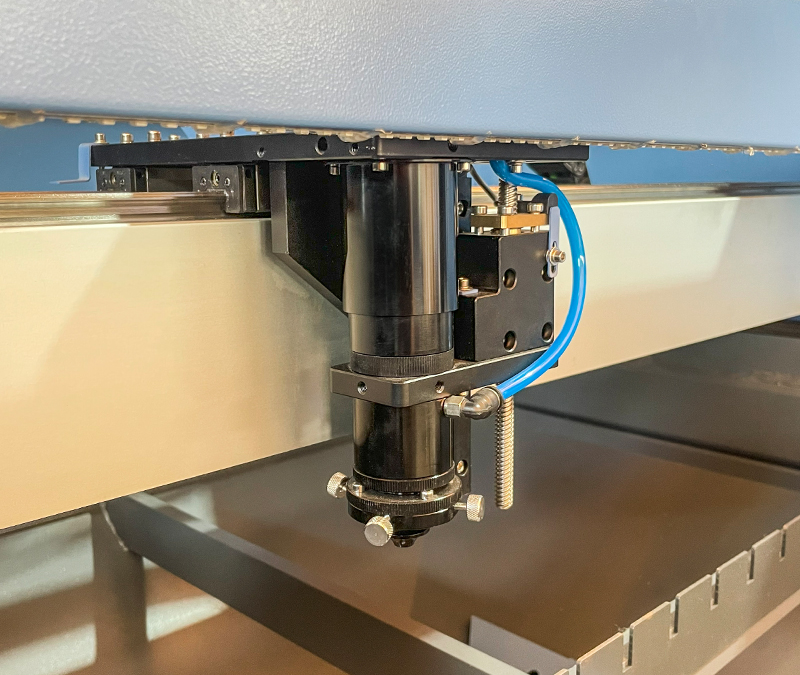
  • Machine Calibration: Calibrate your CO2 laser machine regularly for accurate and precise cuts. This includes checking focus settings, laser power, and machine speed based on the thickness and type of acrylic.

7. Maintenance and Regular Checks

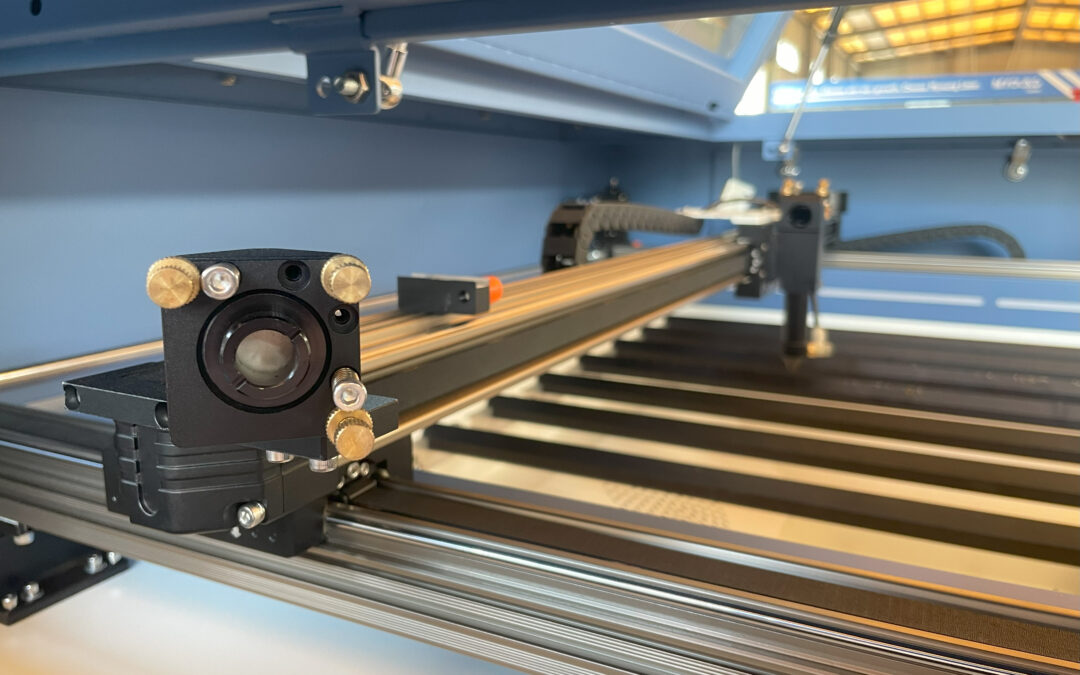
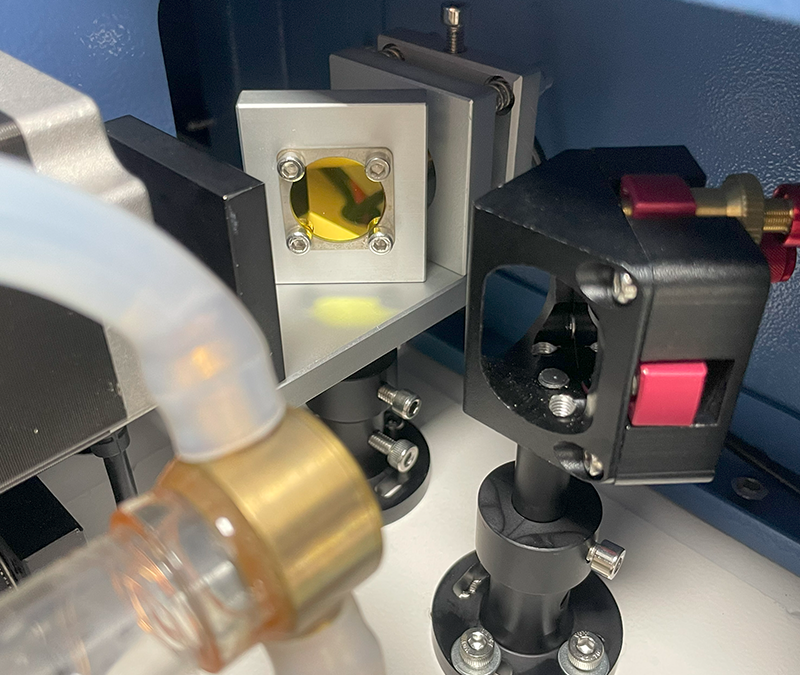
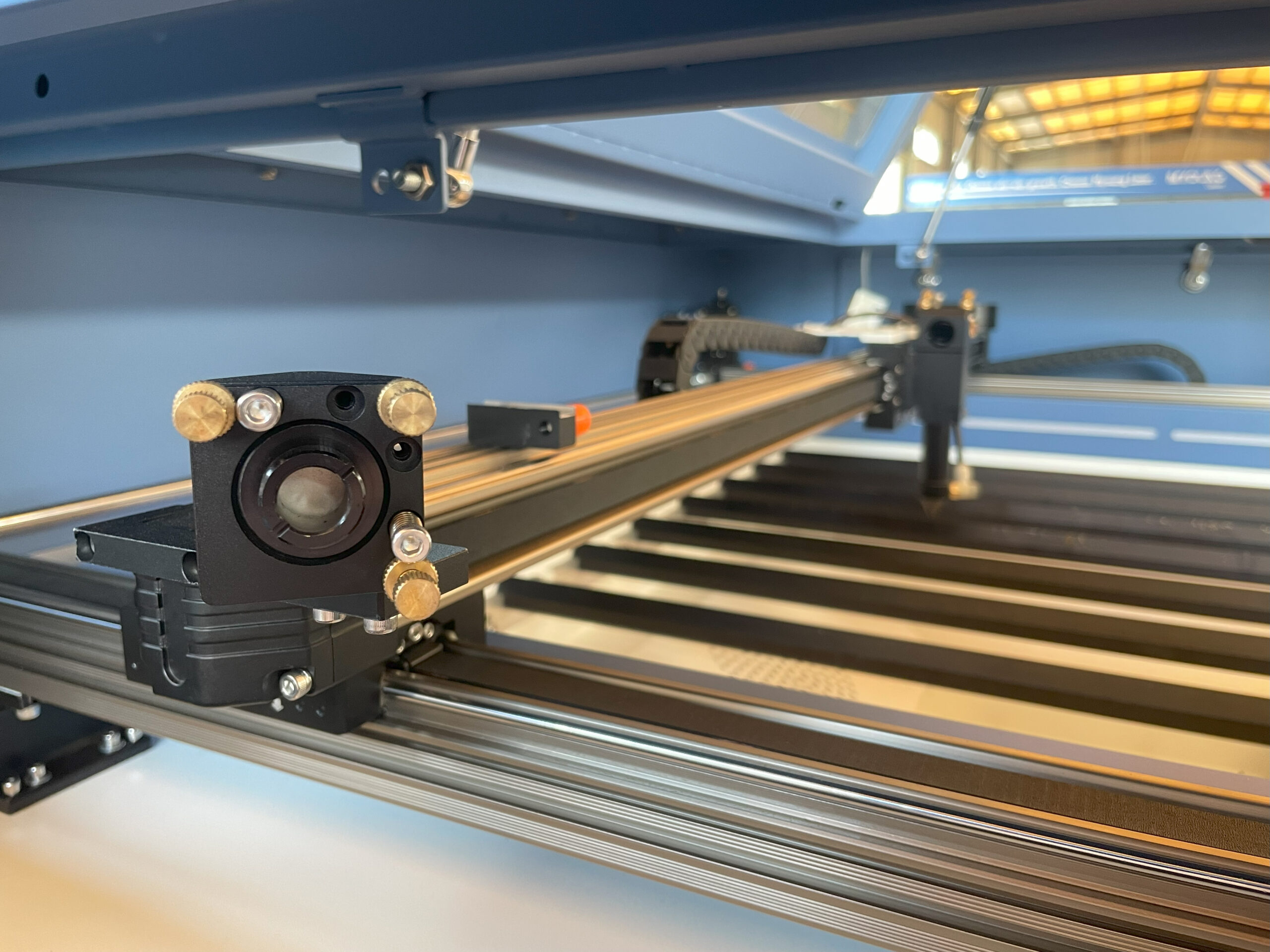
  • Cleaning and Alignment: CO2 laser machines require regular cleaning of the lens, mirrors, and other components for optimal performance. Misalignment can lead to poor cut quality, so ensure components are aligned correctly.
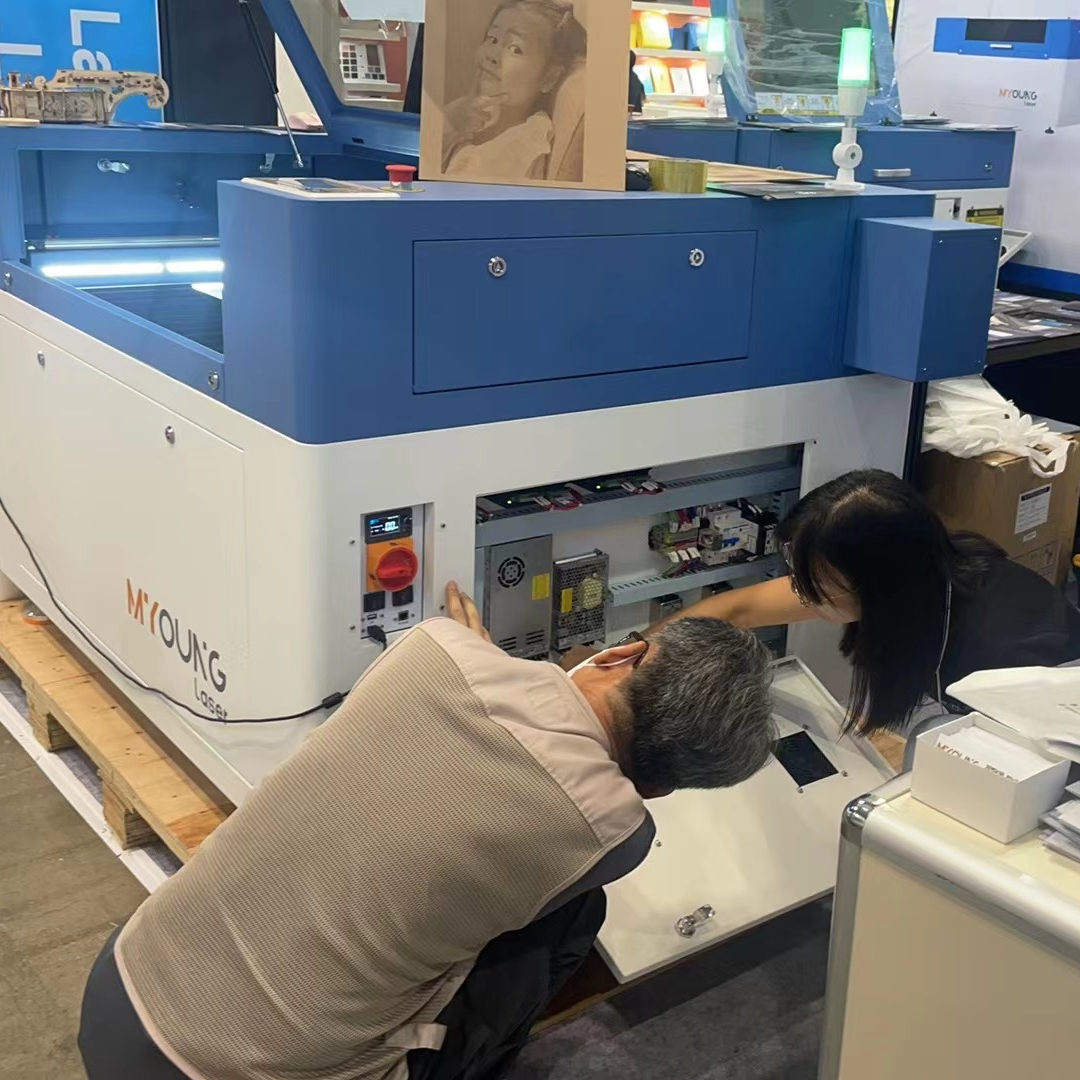
  • Scheduled Servicing: For a long-lasting machine, follow a maintenance schedule provided by the manufacturer, like MYounglaser, which includes periodic check-ups of essential components.
CO2 laser machines

Setting up a dedicated acrylic CO2 laser cutting workshop requires careful consideration of the right equipment, layout, safety measures, and maintenance routines. A well-prepared workspace can make a significant difference in the quality of output, efficiency, and safety. Choosing a reliable and efficient CO2 laser machine, like the Dura series from MYounglaser, will help streamline your operations and support the production of high-quality acrylic products.

Ready to Speak with One of Our Experts?

Getting started on any project can be daunting. Let us handle the technicalities so you can focus on bringing your designs to life.

Open the box; pull out your machine; and get to work. Whether you’re engraving on wood, leather, acrylic, or metal, just let us know your materials of choice, and we’ll find the perfect machine for your needs.

If you’re ready to upgrade your equipment, elevate your business, or simply unleash your creativity, we’re here to assist.

At Foshan Myoung Laser Technology Co., Ltd., established in 2012, we pride ourselves on integrating R&D, manufacturing, sales, and service to deliver top-notch laser solutions. Our range includes laser cutting machines, laser welding machines, laser marking machines, and industry-specific and automated laser equipment.

Got questions? Comments? Curious about our cutting-edge laser technology? Schedule a call with us today. We actually answer our phones and are here to help you every step of the way.
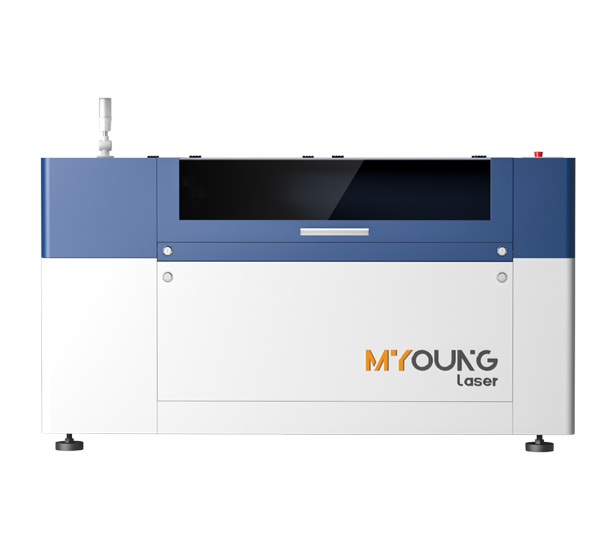
MYonglaser co2 laser cutting machine
The Future of Acrylic CO2 Laser Cutting Technology

The Future of Acrylic CO2 Laser Cutting Technology

INDUSTRIAL NEWS

The Future of Acrylic CO2 Laser Cutting Technology

The technology behind acrylic CO2 laser cutting continues to advance, enabling manufacturers to achieve greater precision, speed, and efficiency. CO2 laser machines are among the most popular tools for working with acrylic, thanks to their capability to produce smooth edges and intricate designs. In this article, we’ll explore key trends shaping the future of this field, including automation, sustainability, and evolving design capabilities.

1. Increased Automation and AI Integration

  • Enhanced Production Speed: Automation is transforming acrylic CO2 laser cutting, reducing manual input and boosting efficiency. Future machines will increasingly use AI-driven automation to set optimal parameters for cutting, engraving, and finishing, minimizing the need for operator intervention.
  • Self-Diagnosing Systems: Advanced CO2 lasers will likely integrate AI diagnostic tools, alerting operators to maintenance needs or adjustments, which can prevent downtime. This proactive approach enhances machine reliability, particularly in continuous production environments.

2. Sustainable Innovations

  • Energy-Efficient Lasers: Sustainability is now a focal point for CO2 laser machine manufacturers. Newer CO2 laser models are being developed with energy-saving features, reducing power consumption without sacrificing performance.
  • Recycling Acrylic Waste: Another key trend is the recycling and repurposing of acrylic waste. Some manufacturers are exploring solutions for recycling scraps generated during the cutting process, contributing to a more sustainable production cycle and reducing overall material waste.

3. Smarter Machine Controls and User Interfaces

  • Intuitive Software: Future CO2 laser machines will feature even more user-friendly interfaces with simplified design software integration. Intuitive machine controls allow operators of all experience levels to execute complex designs with minimal setup.
  • Remote Monitoring: Real-time monitoring and remote access to machine controls will become increasingly standard. With the ability to oversee operations and make adjustments remotely, businesses can maintain quality and productivity while managing their production lines more flexibly.
China CO2 Laser Machine Factory

4. Advancements in Laser Technology and Materials Processing

  • Higher Power and Precision: The evolution of CO2 laser technology is pushing boundaries in precision and power. With improved beam quality and control, CO2 lasers are now capable of producing even more detailed cuts, expanding their utility for intricate acrylic applications.
  • Adaptability to New Acrylic Materials: As new acrylic composites and materials are developed, CO2 laser machines are adapting to accommodate these innovations. Machines with variable power settings and adaptable frequency controls are making it easier to achieve clean cuts across different acrylic types.

5. Customization and Versatility in Design Applications

  • Innovative Acrylic Products: The future of CO2 laser cutting lies in its ability to create highly customized, versatile designs, from architectural models to custom artwork. The versatility of CO2 laser machines is making them a preferred choice for a growing number of creative applications.
  • Hybrid Machines: To meet diverse production needs, hybrid machines combining CO2 and other laser types are emerging. These hybrid systems allow for broader material compatibility and enhanced functionality, particularly useful for manufacturers working across different substrates.

6. Future-Proof Solutions with MYounglaser’s Dura Series

  • Machine Highlights: The Dura Series from MYounglaser offers cutting-edge CO2 laser technology designed to meet the evolving demands of modern acrylic applications. Equipped with features like energy efficiency, self-diagnostics, and remote monitoring, the Dura Series models provide a sustainable, high-performance solution for future-ready operations.
  • Why MYounglaser: MYounglaser’s commitment to innovation in CO2 laser cutting aligns with the industry’s shift toward smarter, more efficient, and sustainable production solutions. With a focus on reliability and precision, MYounglaser CO2 laser machines are ideal for businesses looking to stay ahead in acrylic laser processing.
Acrylic Laser Cutting Machines

The future of acrylic CO2 laser cutting is marked by technological advancements in automation, sustainability, and versatility. With the rise of more efficient, intuitive, and environmentally friendly machines, manufacturers can expect to achieve even greater productivity and precision. Choosing a forward-looking machine, such as the MYounglaser Dura Series, ensures that your production capabilities will keep pace with the evolving landscape of acrylic laser cutting.

Ready to Speak with One of Our Experts?

Getting started on any project can be daunting. Let us handle the technicalities so you can focus on bringing your designs to life.

Open the box; pull out your machine; and get to work. Whether you’re engraving on wood, leather, acrylic, or metal, just let us know your materials of choice, and we’ll find the perfect machine for your needs.

If you’re ready to upgrade your equipment, elevate your business, or simply unleash your creativity, we’re here to assist.

At Foshan Myoung Laser Technology Co., Ltd., established in 2012, we pride ourselves on integrating R&D, manufacturing, sales, and service to deliver top-notch laser solutions. Our range includes laser cutting machines, laser welding machines, laser marking machines, and industry-specific and automated laser equipment.

Got questions? Comments? Curious about our cutting-edge laser technology? Schedule a call with us today. We actually answer our phones and are here to help you every step of the way.

MYonglaser co2 laser cutting machine
Top Software for Acrylic CO2 Laser Cutting Designs

Top Software for Acrylic CO2 Laser Cutting Designs

INDUSTRIAL NEWS

Top Software for Acrylic CO2 Laser Cutting Designs

When creating intricate designs for acrylic CO2 laser cutting, the right software is essential. From drawing layouts to setting specific cutting parameters, professional design software can make the entire process efficient and precise. Here’s a guide to some of the top software that works well with MYounglaser CO2 machines and other leading brands, helping you achieve high-quality results in acrylic laser cutting.

1. Adobe Illustrator

  • Overview: Adobe Illustrator is a favorite among designers for vector graphic creation. It’s great for preparing detailed and intricate designs, thanks to its advanced vector editing tools.
  • Why it Works: Since laser cutters read vector files, Illustrator’s ability to create precise vector paths makes it ideal for laser cutting. Exporting to compatible formats like SVG and DXF is simple, allowing seamless transition to laser software.
  • Best Use: Creating intricate designs, fine engravings, and detailed cutouts for acrylic.

2. CorelDRAW

  • Overview: Known for its versatility, CorelDRAW is widely used in the laser cutting industry. Many CO2 laser machine suppliers endorse it due to its robust tools for preparing laser-ready files.
  • Why it Works: CorelDRAW’s design tools support a range of file formats and allow for precise color control, which helps when setting up vector paths and engraving designs.
  • Best Use: Crafting logos, signage, and custom engravings on acrylic sheets.

3. AutoCAD

  • Overview: AutoCAD is known for its engineering precision, making it an excellent choice for industrial laser cutting designs.
  • Why it Works: It allows users to draw highly precise designs and export them in DXF or DWG formats, which are compatible with most CO2 laser machines. AutoCAD’s interface also supports exact measurements, essential for projects requiring precise cuts.
  • Best Use: Industrial design projects where accuracy and tight tolerances are critical, such as structural acrylic components.
China CO2 Laser Machine Factory

4. Choosing the Wrong Acrylic Type

Extruded acrylic and cast acrylic behave differently under a laser. Using the wrong type can lead to issues with cutting quality and edge finish.

  • Solution: For intricate or high-quality projects, opt for cast acrylic, as it produces cleaner cuts and is less prone to burning. MYounglaser machines are versatile and capable of handling both types, but cast acrylic generally delivers superior results.

5. Lack of Ventilation

Poor ventilation can lead to an accumulation of fumes, which not only affects visibility but can also cause burns and imperfections.

  • Solution: Ensure your workspace has a powerful exhaust system to clear out fumes during operation. Effective ventilation is key to maintaining cut quality and protecting your laser machine components from buildup.

6. Neglecting Regular Maintenance

Dirty lenses and mirrors can interfere with the laser’s power and precision, leading to poor performance and potential damage to the material.

  • Solution: Clean the lenses and mirrors regularly and check for alignment. This maintenance is especially important for acrylic CO2 laser cutting machines since acrylic can produce residue that clouds the optics.
co2 laser machine manufacturers

Choosing the Right Software for MYounglaser CO2 Machines

Selecting the right design software depends on the complexity of your projects, budget, and familiarity with design tools. Here’s a quick overview to guide your choice:

  • For Beginners: Inkscape offers a solid starting point without financial commitment, making it accessible and practical.
  • For Professional Designs: Adobe Illustrator and CorelDRAW provide comprehensive design tools and professional output quality, ideal for complex or intricate acrylic projects.
  • For Direct Laser Control: LightBurn and RDWorks allow for seamless integration with CO2 laser machines, giving you precise control over laser settings.

Bring Your Acrylic Designs to Life with MYounglaser

Choosing the right software for your acrylic CO2 laser cutting machine can transform your workflow and final results. With high-quality machines like MYounglaser, paired with industry-leading design software, your acrylic projects can achieve precision, efficiency, and creativity.

Ready to Speak with One of Our Experts?

Getting started on any project can be daunting. Let us handle the technicalities so you can focus on bringing your designs to life.

Open the box; pull out your machine; and get to work. Whether you’re engraving on wood, leather, acrylic, or metal, just let us know your materials of choice, and we’ll find the perfect machine for your needs.

If you’re ready to upgrade your equipment, elevate your business, or simply unleash your creativity, we’re here to assist.

At Foshan Myoung Laser Technology Co., Ltd., established in 2012, we pride ourselves on integrating R&D, manufacturing, sales, and service to deliver top-notch laser solutions. Our range includes laser cutting machines, laser welding machines, laser marking machines, and industry-specific and automated laser equipment.

Got questions? Comments? Curious about our cutting-edge laser technology? Schedule a call with us today. We actually answer our phones and are here to help you every step of the way.
MYonglaser co2 laser cutting machine
Avoid Common Mistakes in Acrylic Laser Cutting

Avoid Common Mistakes in Acrylic Laser Cutting

INDUSTRIAL NEWS

The Most Common Mistakes in Acrylic Laser Cutting and How to Avoid Them

Using a CO2 laser machine for acrylic cutting offers unmatched precision and creative potential, but mistakes can lead to wasted material and subpar results. Here’s a look at some of the most frequent errors in acrylic laser cutting and tips to avoid them to achieve the best results with your MYounglaser machine.

1. Incorrect Laser Settings

Incorrect power, speed, and focus settings can result in rough edges, burns, or poor-quality cuts.

  • Solution: Experiment with the settings on test pieces to find the optimal power and speed for acrylic. For example, lower power settings with moderate speed usually produce clean, burn-free cuts on acrylic.

2. Improper Focus Adjustment

Not focusing the laser properly on the material can reduce the precision of cuts and lead to an uneven finish.

  • Solution: Regularly adjust the focus based on material thickness and ensure that the beam is accurately aligned before each cut. Many MYounglaser machines come with easy-to-adjust focusing mechanisms for precise setup.

3. Skipping Air Assist Setup

Air assist helps clear debris and cool the cutting area, reducing the chance of melting or burning acrylic.

  • Solution: Make sure air assist is engaged during cuts, which helps prevent overheating and improves the quality of the cut. High-quality CO2 laser machine suppliers often offer machines with built-in or compatible air assist systems.
co2 laser cutting machine

4. Choosing the Wrong Acrylic Type

Extruded acrylic and cast acrylic behave differently under a laser. Using the wrong type can lead to issues with cutting quality and edge finish.

  • Solution: For intricate or high-quality projects, opt for cast acrylic, as it produces cleaner cuts and is less prone to burning. MYounglaser machines are versatile and capable of handling both types, but cast acrylic generally delivers superior results.

5. Lack of Ventilation

Poor ventilation can lead to an accumulation of fumes, which not only affects visibility but can also cause burns and imperfections.

  • Solution: Ensure your workspace has a powerful exhaust system to clear out fumes during operation. Effective ventilation is key to maintaining cut quality and protecting your laser machine components from buildup.

6. Neglecting Regular Maintenance

Dirty lenses and mirrors can interfere with the laser’s power and precision, leading to poor performance and potential damage to the material.

  • Solution: Clean the lenses and mirrors regularly and check for alignment. This maintenance is especially important for acrylic CO2 laser cutting machines since acrylic can produce residue that clouds the optics.
China co2 laser engraving machine

7. Improper Masking Techniques

Masking can prevent surface burns, but incorrect masking or skipping it altogether can lead to unintended scorch marks on the acrylic.

  • Solution: Apply a thin layer of masking tape on the acrylic surface, or use a paper-based protective film to help absorb excess heat. This practice is particularly useful for intricate cuts where surface burns are a common concern.

8. Overlooking Cooling Needs

Acrylic is sensitive to heat, and continuous cutting without cooling can cause edges to warp or burn.

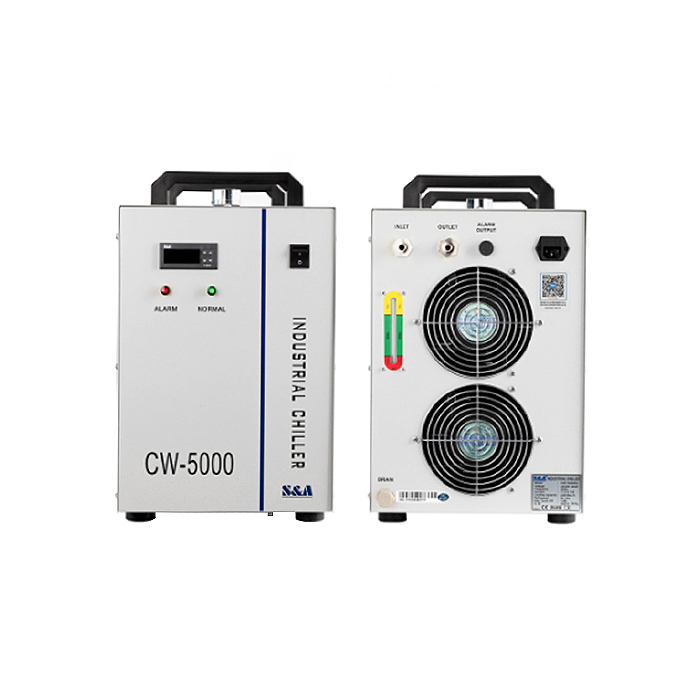
  • Solution: Use an external water chiller for optimal laser tube performance. Cooling can be crucial when performing multiple or continuous cuts, and CO2 laser machine suppliers often recommend chillers for high-power machines.

Achieve Perfect Acrylic Cuts with MYounglaser

By understanding these common mistakes and learning how to avoid them, you can make the most of your MYounglaser CO2 laser machine for acrylic cutting. With the right setup, regular maintenance, and some practice, you’ll be able to create high-quality, precise acrylic designs with ease.

Ready to Speak with One of Our Experts?

Getting started on any project can be daunting. Let us handle the technicalities so you can focus on bringing your designs to life.

Open the box; pull out your machine; and get to work. Whether you’re engraving on wood, leather, acrylic, or metal, just let us know your materials of choice, and we’ll find the perfect machine for your needs.

If you’re ready to upgrade your equipment, elevate your business, or simply unleash your creativity, we’re here to assist.

At Foshan Myoung Laser Technology Co., Ltd., established in 2012, we pride ourselves on integrating R&D, manufacturing, sales, and service to deliver top-notch laser solutions. Our range includes laser cutting machines, laser welding machines, laser marking machines, and industry-specific and automated laser equipment.

Got questions? Comments? Curious about our cutting-edge laser technology? Schedule a call with us today. We actually answer our phones and are here to help you every step of the way.
MYonglaser co2 laser cutting machine
How to Avoid Burn Marks on Acrylic with CO2 Laser Cutting

How to Avoid Burn Marks on Acrylic with CO2 Laser Cutting

INDUSTRIAL NEWS

How to Avoid Burn Marks on Acrylic with CO2 Lasers

When working with a CO2 laser machine, burn marks on acrylic can be a common but manageable challenge. By understanding key techniques and settings, you can improve the quality of your cuts and achieve a clean finish. Here’s a guide on how to avoid burn marks on acrylic when using a CO2 laser, along with some recommended practices for MYounglaser machines and similar equipment.

1. Optimize Laser Settings

The settings of your laser machine, including power, speed, and focus, are critical for clean acrylic cuts.

  • Laser Power: Lower the power settings to minimize heat exposure, as too much power can melt or burn the acrylic edges.
  • Cutting Speed: Increase the cutting speed to reduce the laser’s time on each spot. Higher speeds can prevent overheating, which contributes to clean, burn-free cuts.
  • Focus: Ensure the laser is correctly focused on the acrylic surface. Out-of-focus beams can increase the chance of burning as they disperse energy over a larger area.

2. Use an Air Assist System

An air assist system helps direct a stream of air over the cutting area, which keeps the acrylic surface cool and reduces burning. This is particularly useful for acrylic CO2 laser cutting machines to maintain precision and edge quality.

  • Cooling Effect: The airflow cools down the cutting area, reducing the chances of melting or burning.
  • Debris Removal: By blowing away debris and vaporized acrylic, air assist improves cutting clarity and prevents buildup that could otherwise lead to burns.

3. Choose the Right Type of Acrylic

Cast acrylic generally performs better than extruded acrylic in laser cutting, as it offers smoother, cleaner edges with less melting. If you’re working with extruded acrylic, you may need to make additional adjustments to avoid burning.

  • Cast Acrylic: Results in cleaner cuts and is less prone to burns.
  • Extruded Acrylic: May require lower power and higher speed settings to prevent melting and burning.
China co2 laser engraving machine

4. Consider Masking the Acrylic

Applying a protective masking layer on the acrylic surface can shield it from potential burns. Many users apply a paper or adhesive masking tape, which can absorb some of the heat generated during cutting.

  • Protection Layer: Masking absorbs excess heat and prevents it from reaching the acrylic surface.
  • Easy Removal: Masking tape can be peeled off post-cutting, leaving a clean surface with minimal residue.

5. Ensure Proper Ventilation and Exhaust System

Good ventilation helps remove heat and fumes generated during cutting, which can prevent burn marks on acrylic. Ensure your workspace has an effective exhaust system to maintain air quality and remove smoke and fumes.

  • Exhaust System: Keeps the laser path clear and reduces smoke that can cause burns on the acrylic.
  • Fume Extraction: Prevents acrylic residue buildup on the lens, which could affect cutting quality over time.


6. Fine-Tune the Machine’s Focusing Lens

Ensuring the focus lens is in optimal condition is essential for precision. A dirty or misaligned lens can cause overheating in certain areas, leading to burn marks.

  • Clean Lens Regularly: Dust and residue on the lens can reduce beam quality, increasing the likelihood of burning.
  • Check Alignment: Regularly align the lens to maintain a precise and focused laser beam on the acrylic surface.


7. Experiment with Different Cutting Techniques

Testing different approaches can also help you determine the best settings for clean cuts. Try varying power, speed, and even laser pulse settings to find the optimal configuration for your acrylic type.

  • Trial Runs: Conduct sample cuts on small pieces to gauge the best settings without risking your primary material.
  • Settings Adjustment: Gradually adjust settings based on observed results to refine cutting quality.
China co2 laser engraving machine

Choosing the Right Machine and Settings for Burn-Free Acrylic Cuts

Using these tips, you can achieve burn-free, polished acrylic cuts with a CO2 laser machine like the MYounglaser series. With precise power control, clean air assist, and attention to machine settings, cutting acrylic can become a smooth, professional process that consistently delivers high-quality results.

Ready to Speak with One of Our Experts?

Getting started on any project can be daunting. Let us handle the technicalities so you can focus on bringing your designs to life.

Open the box; pull out your machine; and get to work. Whether you’re engraving on wood, leather, acrylic, or metal, just let us know your materials of choice, and we’ll find the perfect machine for your needs.

If you’re ready to upgrade your equipment, elevate your business, or simply unleash your creativity, we’re here to assist.

At Foshan Myoung Laser Technology Co., Ltd., established in 2012, we pride ourselves on integrating R&D, manufacturing, sales, and service to deliver top-notch laser solutions. Our range includes laser cutting machines, laser welding machines, laser marking machines, and industry-specific and automated laser equipment.

Got questions? Comments? Curious about our cutting-edge laser technology? Schedule a call with us today. We actually answer our phones and are here to help you every step of the way.
MYonglaser co2 laser cutting machine
Essential Accessories for Acrylic CO2 Laser Cutting

Essential Accessories for Acrylic CO2 Laser Cutting

INDUSTRIAL NEWS

How to Reduce Waste in Acrylic Laser Cutting Projects

Using an acrylic CO2 laser cutting machine is highly efficient for creating intricate designs and products, but maximizing the machine’s capabilities and maintaining cutting precision often require additional tools and accessories. Here’s a guide to some essential accessories that enhance efficiency, precision, and ease of operation when working with acrylic CO2 laser cutting machines, such as those provided by MYounglaser.

1. Air Assist Systems

An air assist system is crucial for acrylic laser cutting as it directs a stream of air onto the cutting surface. This helps keep the cut edges clear of debris and minimizes the risk of melting or burning.

  • Benefits: Reduces material warping and improves edge quality.
  • Maintenance: Regularly clean and check the airflow to prevent blockages and ensure optimal performance.


2. Honeycomb Worktable

A honeycomb worktable is a specialized cutting bed designed to support the material during cutting while allowing exhaust to flow through, reducing smoke and improving cut clarity.

  • Material Holding: This table minimizes material movement and prevents any unwanted marking on the acrylic.
  • Cooling Benefit: The airflow helps keep the cutting temperature lower, which is especially useful for acrylic projects to avoid warping.
co2 laser cutting machine

3. Laser Fume Extractors

Laser cutting acrylic can release fumes and particles that are both harmful to users and the environment. A fume extractor is essential to filter out harmful emissions.

  • Filtration: Filters out particulates and fumes to improve air quality.
  • Machine Longevity: Protects internal machine components from exposure to fumes, reducing maintenance needs.


4. Rotary Attachments

A rotary attachment is essential for cutting or engraving cylindrical acrylic items, like bottles or round tubes. This accessory rotates the material as it’s cut, allowing for 360° engraving and intricate patterns.

  • Compatibility: Ensure the rotary attachment is compatible with your machine’s settings and design software.
  • Versatility: Opens possibilities for creating customized cylindrical products, ideal for décor or branded items.
CO2 laser machine accessories

5. External Water Chiller

The laser tube in a CO2 machine can heat up quickly, especially during prolonged use. A water chiller helps keep the tube cool, preventing overheating and ensuring consistent performance.

  • Temperature Stability: Regulates the tube temperature to protect against heat damage.
  • Improved Lifespan: Helps extend the life of the laser tube and keeps the machine operating at its best.


6. Lens and Mirror Cleaning Kit

Precision in laser cutting relies heavily on clean optics. A lens and mirror cleaning kit is essential to maintain clear, accurate laser paths.

  • Improved Laser Quality: Regular cleaning prevents dust buildup, maintaining the laser’s strength.
  • Kit Components: Typically includes cleaning solution, lint-free cloths, and specialized tools for handling delicate optics.
co2 laser cutting machine

7. Positioning Laser

A positioning laser, sometimes called a red dot pointer, projects a visible laser beam onto the cutting surface, allowing you to see exactly where the cut will begin.

  • Precision Placement: Simplifies setup and reduces alignment errors.
  • Time Efficiency: Reduces trial-and-error adjustments, saving time on each project.


8. Air Compressor

An air compressor provides consistent airflow for air-assist systems. This accessory helps keep cuts clean and reduces the risk of melted edges.

  • Cut Quality: Maintains edge sharpness and clarity, especially important for acrylic.
  • Noise Control: Choose models with noise reduction for a quieter working environment.

9. Software for Design and Layout Optimization

High-quality software designed for laser cutting can help optimize layouts, reduce waste, and create complex designs.

  • Layout Efficiency: Improves material usage and reduces waste.
  • Design Precision: Compatible with most laser cutters, software like LightBurn allows intricate design control and editing features tailored to laser cutting needs.

10. Protective Eyewear

Even with a closed laser system, there’s always a possibility of reflected light. Investing in laser-rated protective eyewear is essential for safety.

  • Protection Standards: Use eyewear rated for the specific wavelength of your laser to ensure complete eye safety.
  • Durability: High-quality eyewear can be reused long-term, making it a valuable investment for regular laser cutting tasks.
 China co2 laser engraving machine

Choosing the right accessories for your MYounglaser CO2 laser cutting machine not only enhances the efficiency and quality of your work but also helps ensure safety and longevity. Each accessory—whether it’s an air assist, rotary attachment, or a fume extractor—plays a role in perfecting the acrylic cutting process, allowing you to create high-quality products efficiently.

For those looking to equip their setup with durable, reliable laser cutting machines, MYounglaser’s CO2 models offer robust compatibility with these essential accessories, maximizing productivity and quality.

Ready to Speak with One of Our Experts?

Getting started on any project can be daunting. Let us handle the technicalities so you can focus on bringing your designs to life.

Open the box; pull out your machine; and get to work. Whether you’re engraving on wood, leather, acrylic, or metal, just let us know your materials of choice, and we’ll find the perfect machine for your needs.

If you’re ready to upgrade your equipment, elevate your business, or simply unleash your creativity, we’re here to assist.

At Foshan Myoung Laser Technology Co., Ltd., established in 2012, we pride ourselves on integrating R&D, manufacturing, sales, and service to deliver top-notch laser solutions. Our range includes laser cutting machines, laser welding machines, laser marking machines, and industry-specific and automated laser equipment.

Got questions? Comments? Curious about our cutting-edge laser technology? Schedule a call with us today. We actually answer our phones and are here to help you every step of the way.
MYonglaser co2 laser cutting machine
How to Reduce Waste in Acrylic Laser Cutting Projects

How to Reduce Waste in Acrylic Laser Cutting Projects

INDUSTRIAL NEWS

How to Reduce Waste in Acrylic Laser Cutting Projects

Acrylic laser cutting is a versatile and efficient method for creating precise designs and products. However, waste is a significant factor to consider, both for cost savings and environmental reasons. By implementing specific practices, you can reduce waste in your acrylic laser cutting projects. Here are some strategies to achieve efficient usage and minimal material waste with MYounglaser CO2 laser machines.

1. Optimize Design Layouts

When planning a laser cutting project, designing layouts to maximize material use is one of the most effective ways to reduce waste. Place multiple parts or designs close together to fit as many as possible on a single acrylic sheet. With precise layout planning, you can minimize scrap material.

  • Nesting Techniques: Using software for layout optimization, also known as “nesting,” is highly effective. Programs can automatically arrange parts to maximize material usage.

  • Design Prototyping: For intricate designs, prototype your layout on inexpensive materials first to avoid errors on the final acrylic sheet.


2. Select the Appropriate Acrylic Thickness

Choosing the right thickness of acrylic for your project can also minimize waste. Thicker sheets may not be necessary for certain designs, and they can lead to excess scrap if not cut efficiently.

  • Match Thickness to Function: Use thinner sheets for lightweight designs, and reserve thicker acrylic only when strength is needed.

  • Test Cutting with Scrap: Use leftover or scrap acrylic for testing settings and ensuring that your cut is accurate.

China co2 laser engraving machine

3. Use Efficient Cutting Paths

The path your CO2 laser takes can significantly impact both the cut quality and the amount of wasted material. Proper planning for the cutting path ensures less movement between cuts, which reduces time and excess laser exposure to the material.

  • Minimize Travel Distance: Arrange designs so that the laser cutter follows a continuous path with minimal empty travel distance.

  • Reduce Overlap and Double Cuts: Avoid redundant cuts or overlaps, as these can lead to inconsistent edges and additional waste.

4. Repurpose Offcuts and Scraps

Small pieces or offcuts that might normally be discarded can often be reused for other projects. Many intricate designs require smaller acrylic sections, making these leftover pieces perfect for future use.

  • Store Scrap Systematically: Organize and label scrap material by size and thickness for easy identification in future projects.

  • Incorporate Scraps in New Designs: For smaller components like keychains or ornaments, these offcuts can be ideal, helping you reduce waste significantly.

Acrylic Laser Cutting Machines

5. Optimize Power and Speed Settings

Setting the correct power and speed on your MYounglaser CO2 laser machine is essential to achieving clean cuts with minimal waste. Incorrect settings can lead to melting, charring, or misaligned cuts, resulting in unusable material.

  • Test Different Settings: Conduct test cuts on scrap acrylic to find optimal speed and power combinations for each thickness.
  • Use Preset Profiles: If available, use machine presets specific to acrylic cutting to maintain consistent results and reduce errors.

6. Maintain Your CO2 Laser Machine

Regular maintenance ensures that your CO2 laser machine performs accurately and efficiently. Properly calibrated machines produce cleaner cuts, reducing the chance of material wastage from re-cuts or mistakes.

  • Clean Optics and Align Laser: Regularly cleaning lenses and mirrors, and keeping the laser aligned, results in more precise cuts and minimizes the need for repeat work.
  • Replace Worn Parts: Components such as laser tubes and mirrors should be replaced as needed to prevent issues that might compromise cutting quality.


7. Recycle Acrylic Waste

Not all scrap material can be reused directly, but acrylic can often be recycled. Partnering with a recycling company that accepts acrylic can reduce your environmental impact.

    • Separate Waste for Recycling: Keep acrylic waste separate from other materials and store it for pickup or delivery to recycling centers.

    • Use Biodegradable Acrylic: For a more sustainable option, consider using biodegradable acrylic, which can break down more easily than traditional acrylic in disposal environments.

Reducing waste in acrylic laser cutting projects not only enhances cost-effectiveness but also demonstrates a commitment to environmental responsibility. By optimizing layouts, selecting suitable thickness, managing cutting paths, repurposing scraps, adjusting power settings, maintaining equipment, and recycling waste, you can greatly minimize material waste.

MYounglaser’s CO2 laser machines are designed to support precision and efficiency, making waste reduction achievable in every project. For high-quality machines that balance cutting precision with sustainable practices, MYounglaser offers reliable solutions.

Ready to Speak with One of Our Experts?

Getting started on any project can be daunting. Let us handle the technicalities so you can focus on bringing your designs to life.

Open the box; pull out your machine; and get to work. Whether you’re engraving on wood, leather, acrylic, or metal, just let us know your materials of choice, and we’ll find the perfect machine for your needs.

If you’re ready to upgrade your equipment, elevate your business, or simply unleash your creativity, we’re here to assist.

At Foshan Myoung Laser Technology Co., Ltd., established in 2012, we pride ourselves on integrating R&D, manufacturing, sales, and service to deliver top-notch laser solutions. Our range includes laser cutting machines, laser welding machines, laser marking machines, and industry-specific and automated laser equipment.

Got questions? Comments? Curious about our cutting-edge laser technology? Schedule a call with us today. We actually answer our phones and are here to help you every step of the way.
MYonglaser co2 laser cutting machine
Top Software for Acrylic CO2 Laser Cutting Designs

Creative Business Ideas with Acrylic CO2 Laser Machines

INDUSTRIAL NEWS

Creative Business Ideas with Acrylic CO2 Laser Machines

Acrylic CO2 laser machines offer incredible versatility and precision, opening up a world of business opportunities. Whether you’re a budding entrepreneur or looking to expand your product range, using acrylic and a CO2 laser machine can lead to innovative, high-margin ventures. In this article, we’ll explore some creative business ideas that can thrive with the help of MYounglaser acrylic CO2 laser cutting machines.

1. Custom Signage and Displays

One of the most popular uses for acrylic CO2 laser cutting is in the creation of custom signage and displays. The ability to precisely cut intricate designs, logos, and text from acrylic sheets allows businesses to offer highly personalized products. These can be sold to:

  • Retail Stores: Custom logo signs, promotional displays, and shelf decorations.
  • Weddings & Events: Personalized nameplates, wedding signage, and table numbers.
  • Offices: Branded nameplates and desk signs.

With a MYounglaser CO2 laser machine, you can achieve fine cuts and engravings, ensuring high-quality results that stand out in a crowded market.

2. Home Décor and Accessories

The demand for unique, custom home décor items is continuously growing, and acrylic lends itself perfectly to modern design trends. Using a CO2 laser machine, you can create:

  • Wall Art: Custom acrylic wall hangings with intricate patterns or personalized messages.
  • Lamps and Lighting Fixtures: Laser-cut acrylic lampshades or decorative light fixtures.
  • Mirrors and Frames: Custom mirror frames with elaborate engravings or designs.

The precision of MYounglaser CO2 machines ensures that even the most complex patterns are cut cleanly, making these home décor items not only aesthetically pleasing but also durable and of high quality.

China co2 laser engraving machine

3. Personalized Gifts and Awards

Offering personalized gifts can be a lucrative niche, and laser-cut acrylic products are perfect for this. You can create a range of custom products such as:

  • Trophies and Awards: Custom-engraved awards for corporate or school events.
  • Keychains and Ornaments: Small, personalized acrylic keychains and ornaments, perfect for gifts or promotional items.
  • Photo Frames: Unique, engraved acrylic photo frames for personal or corporate gifting.

Thanks to the MYounglaser CO2 laser machine, you can provide a high level of customization, allowing your business to stand out in the personalized gift market.

4. Jewelry and Fashion Accessories

Acrylic is a lightweight yet durable material, making it ideal for fashion accessories. With a CO2 laser machine, you can create custom jewelry, including:

  • Earrings, Necklaces, and Bracelets: Intricate acrylic designs that are trendy and affordable.
  • Pins and Brooches: Fun, personalized designs for pins or brooches that appeal to a younger audience.
  • Fashion Accessories: Laser-cut acrylic hair accessories, sunglasses, or other stylish products.

MYounglaser machines allow for detailed cutting, ensuring that your products are fashionable and of top-notch quality.

Acrylic Laser Cutting Machines

5. Architectural Models and Prototypes

For architects and designers, acrylic CO2 laser machines can be invaluable tools for creating scale models and prototypes. Using these machines, you can create:

  • Detailed Models: Precise, intricate models of buildings or structures for presentations.
  • Prototype Parts: Custom, laser-cut parts for various industries like electronics, engineering, or interior design.

The MYounglaser CO2 laser machine provides the accuracy needed for creating professional-grade models and prototypes.

6. Custom Phone and Gadget Accessories

With the ever-growing popularity of gadgets, creating custom accessories like phone cases, stands, or holders made from acrylic can be highly profitable. You can offer:

  • Custom-Engraved Phone Cases: Personalized acrylic phone cases with custom designs, names, or artwork.
  • Tablet and Phone Stands: Sleek and modern acrylic stands for phones, tablets, or laptops.
  • Custom Device Holders: Unique, laser-cut holders or docks for charging stations or gadgets.

MYounglaser CO2 laser machines ensure that you can produce high-quality, visually appealing, and functional accessories.

7. Educational Tools and Learning Aids

Acrylic can be used to create educational tools and teaching aids. You can start a business that supplies schools, universities, and educational institutions with:

  • Laser-Cut Puzzle Pieces: Educational puzzles for young children made from safe, durable acrylic.
  • Learning Tools: Custom acrylic learning aids such as alphabet cutouts, number sets, or geometry tools.
  • Classroom Decorations: Custom-engraved acrylic decorations for classrooms, including nameplates, wall art, and motivational quotes.

With the precision and versatility of MYounglaser CO2 laser machines, your educational products will stand out for their quality and durability.

Why Choose MYounglaser?

For those interested in exploring these business opportunities, the MYounglaser CO2 laser machines provide unmatched precision, efficiency, and reliability. Features such as Japan Shinano motors and self-cleaning guide rails ensure that the machines deliver high-quality cuts with every use. Whether you’re cutting intricate jewelry or large-scale architectural models, MYounglaser machines guarantee top-notch results.

Ready to start your acrylic laser cutting business? Choose MYounglaser and elevate your business with our advanced laser cutting solutions!

Ready to Speak with One of Our Experts?

Getting started on any project can be daunting. Let us handle the technicalities so you can focus on bringing your designs to life.

Open the box; pull out your machine; and get to work. Whether you’re engraving on wood, leather, acrylic, or metal, just let us know your materials of choice, and we’ll find the perfect machine for your needs.

If you’re ready to upgrade your equipment, elevate your business, or simply unleash your creativity, we’re here to assist.

At Foshan Myoung Laser Technology Co., Ltd., established in 2012, we pride ourselves on integrating R&D, manufacturing, sales, and service to deliver top-notch laser solutions. Our range includes laser cutting machines, laser welding machines, laser marking machines, and industry-specific and automated laser equipment.

Got questions? Comments? Curious about our cutting-edge laser technology? Schedule a call with us today. We actually answer our phones and are here to help you every step of the way.
MYonglaser co2 laser cutting machine
How to Maintain Your Acrylic CO2 Laser Cutting Machine

How to Maintain Your Acrylic CO2 Laser Cutting Machine

INDUSTRIAL NEWS

How to Maintain Your Acrylic CO2 Laser Cutting Machine

Proper maintenance is crucial to ensure the longevity and optimal performance of your acrylic CO2 laser cutting machine. Regular care not only helps prevent technical issues but also maintains the precision and efficiency of the machine. In this guide, we’ll cover essential tips for maintaining your MYounglaser CO2 laser machines, helping you get the best results for acrylic cutting.

1. Clean the Optics Regularly

The optical components of a CO2 laser machine—mirrors and lenses—are critical to cutting precision. These components can accumulate dust, smoke, and residue from acrylic cutting, which can reduce the laser’s effectiveness and even damage the optics over time.

  • Cleaning Frequency: Clean the lenses and mirrors after every 8–10 hours of cutting, especially after heavy cutting sessions.
  • Cleaning Method: Use specialized lens wipes or isopropyl alcohol with a microfiber cloth to avoid scratches.

2. Check and Align the Laser Beam

A misaligned laser beam can lead to inefficient cutting or poor-quality results. Misalignment happens over time due to regular use, machine vibrations, or transportation.

  • Beam Alignment: Check the beam alignment regularly and adjust if necessary. Use alignment tools or follow the manufacturer’s instructions for ensuring the beam hits the mirrors at the correct angles.
  • Test Cuts: Regularly perform test cuts on scrap acrylic to verify the accuracy of the laser beam’s path.
China co2 laser engraving machine

3. Clean the Work Area and Ventilation System

During acrylic cutting, dust, fumes, and small acrylic particles can accumulate inside the machine and clog the ventilation system. Poor ventilation can affect the laser’s ability to cut smoothly and pose safety hazards.

  • Cleaning the Bed: Remove debris from the cutting bed after each use to prevent buildup.

  • Ventilation System: Check the exhaust fan and filtration systems weekly to ensure proper air circulation. Replace filters as needed.

4. Lubricate Mechanical Parts

Regular lubrication of the machine’s moving parts ensures smooth operation and prevents wear. Linear guides, bearings, and drive systems should be lubricated to maintain consistent movement during cutting.

  • Lubrication Schedule: Lubricate the moving parts every month or as recommended by the manufacturer.

  • Use Proper Lubricants: Only use machine-specific lubricants to avoid damage or malfunction.

5. Monitor Water Cooling System

Most acrylic CO2 laser cutting machines use a water chiller to cool the laser tube. Maintaining proper water flow and temperature is essential for preventing the laser tube from overheating and extending its lifespan.

  • Water Quality: Use distilled water to prevent mineral buildup and change the water every 3–6 months.

  • Temperature Check: Regularly check the water temperature and ensure it stays within the recommended range (usually 15°C–25°C).

co2 laser machine manufacturers

6. Inspect and Replace the Laser Tube

The laser tube is the heart of any CO2 laser machine, and over time, it will wear out and lose power. Regularly monitor the power output and inspect the laser tube for any signs of wear.

  • Tube Lifespan: Most CO2 laser tubes have a lifespan of 1,000 to 3,000 hours of cutting.

  • Power Output: If the cutting performance declines or the laser struggles with thicker materials, it may be time to replace the tube.

7. Check Electrical Connections

Loose electrical connections can cause power fluctuations or even damage the machine’s components. Make sure all wires and connections are secure and free from corrosion.

  • Inspect Regularly: Check electrical connections and cables monthly to ensure there’s no fraying, corrosion, or damage.

  • Avoid Power Surges: Use a voltage regulator or surge protector to prevent damage from electrical fluctuations.

8. Software and Firmware Updates

Keeping the machine’s software and firmware up-to-date is essential for accessing the latest features, bug fixes, and performance improvements.

  • Regular Updates: Check for updates from the manufacturer and apply them to the machine’s control software.

  • Backup Settings: Before updating, back up your machine settings and parameters to avoid losing crucial configurations.

Maintaining your acrylic CO2 laser cutting machine is essential for prolonging its life and ensuring optimal cutting performance. By following the maintenance tips above—such as cleaning the optics, aligning the laser, lubricating parts, and checking the cooling system—you’ll keep your machine running smoothly for years.

The MYounglaser CO2 laser machines are designed with high precision and quality components like Japan Shinano motors, self-cleaning guide rails, and robust cooling systems, ensuring reliability in every cut. For cutting-edge performance, trust MYounglaser for your acrylic cutting needs.

Ready to Speak with One of Our Experts?

Getting started on any project can be daunting. Let us handle the technicalities so you can focus on bringing your designs to life.

Open the box; pull out your machine; and get to work. Whether you’re engraving on wood, leather, acrylic, or metal, just let us know your materials of choice, and we’ll find the perfect machine for your needs.

If you’re ready to upgrade your equipment, elevate your business, or simply unleash your creativity, we’re here to assist.

At Foshan Myoung Laser Technology Co., Ltd., established in 2012, we pride ourselves on integrating R&D, manufacturing, sales, and service to deliver top-notch laser solutions. Our range includes laser cutting machines, laser welding machines, laser marking machines, and industry-specific and automated laser equipment.

Got questions? Comments? Curious about our cutting-edge laser technology? Schedule a call with us today. We actually answer our phones and are here to help you every step of the way.
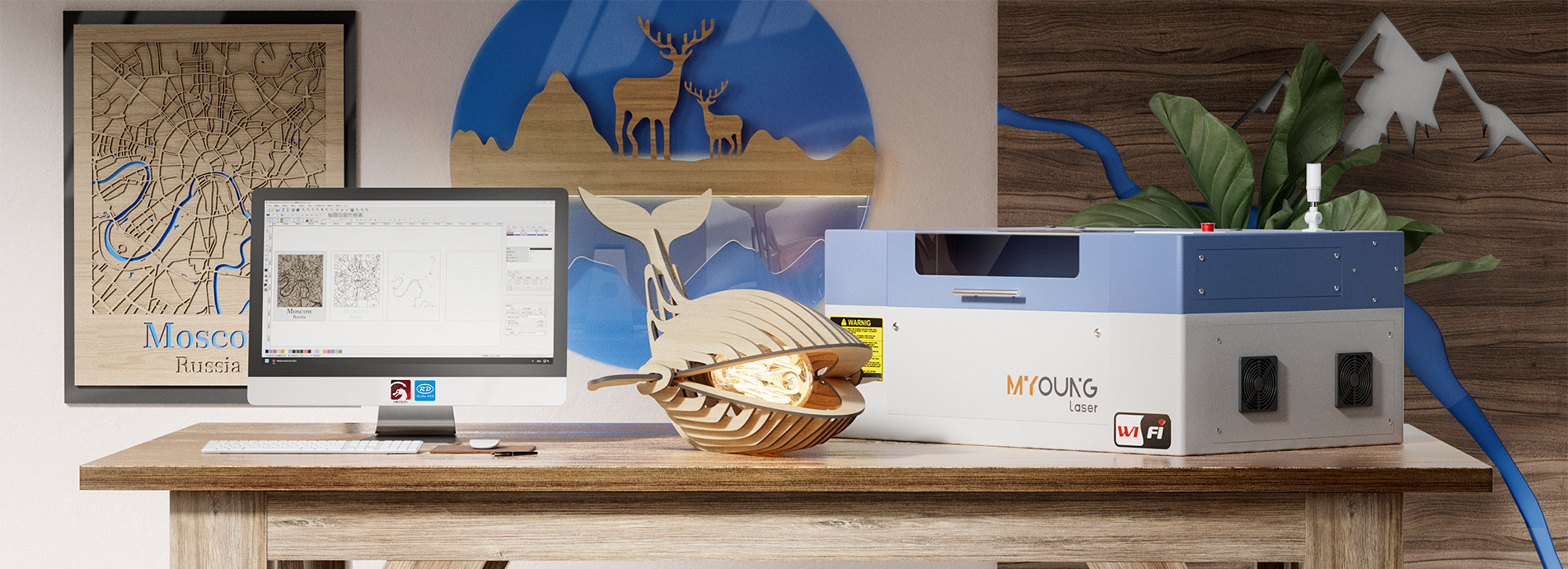
MYonglaser co2 laser cutting machine
Innovative Uses for Acrylic in Laser Cutting

Innovative Uses for Acrylic in Laser Cutting

INDUSTRIAL NEWS

Innovative Uses for Acrylic in Laser Cutting

Acrylic is one of the most versatile materials used in laser cutting due to its durability, transparency, and ease of manipulation. With CO2 laser machines, especially those offered by MYounglaser, acrylic can be transformed into stunning, precise, and professional-grade products. Whether you’re in signage, creative arts, or industrial design, the possibilities with acrylic laser cutting are vast and continually evolving. Let’s explore some innovative uses for acrylic in laser cutting, highlighting the unique capabilities of acrylic CO2 laser cutting machines.

1. Signage and Display Solutions

Acrylic is widely used in creating signage and display solutions due to its clarity, durability, and ability to produce clean edges. With a CO2 laser machine, acrylic can be cut into various shapes and letters to create custom signs for businesses, events, or personal use.

  • Custom Business Signs: With precision cutting, business owners can craft illuminated or etched signs that highlight their brand. Using MYounglaser CO2 laser machines, intricate designs and logos can be engraved into the surface, adding a professional touch.

  • Retail Displays: Laser-cut acrylic displays are popular in retail environments for showcasing products due to their lightweight yet sturdy nature. They can be molded into specific shapes to fit branding needs.

2. Acrylic Jewelry and Accessories

One of the most exciting uses of acrylic in laser cutting is creating bespoke jewelry and accessories. Because acrylic can be cut into delicate, detailed shapes, CO2 laser machines are frequently used by artisans to produce intricate designs.

  • Custom Earrings, Necklaces, and Bracelets: Acrylic can be transformed into colorful, creative pieces of jewelry that stand out due to its glossy finish and ability to hold dye. With high-precision cutting from MYounglaser machines, even the smallest details are rendered flawlessly.

  • Fashion Accessories: From acrylic belts to sunglasses, the fashion industry is increasingly utilizing laser-cut acrylic for its durability and versatility in design.

China co2 laser engraving machine

3. Home Décor Items

Acrylic’s modern aesthetic has made it a go-to material for home décor, and acrylic CO2 laser cutting machines offer endless possibilities for homeowners and designers alike.

  • Wall Art and Panels: Laser-cut acrylic can be transformed into intricate wall art or decorative panels for modern interior designs. Geometric patterns, personalized engravings, and themed designs are easy to achieve with laser precision.

  • Furniture Enhancements: Acrylic is often used to create furniture accents like table stands, light fixtures, and even chairs. The clean cuts and smooth edges from CO2 laser machines give these pieces a sleek, polished look.

4. Acrylic Lighting Fixtures

Custom-made acrylic lighting fixtures are gaining popularity for their ability to diffuse light while maintaining a sleek, modern aesthetic. With laser-cut designs, it’s possible to create:

  • LED Light Diffusers: Acrylic is often used in LED lighting systems because it can be cut into intricate shapes while still diffusing light effectively, making it ideal for custom lamp shades or illuminated signs.

  • Decorative Lighting: Personalized laser-etched lighting fixtures can be designed to cast unique shadows, making them a stunning focal point in residential or commercial spaces.

co2 laser machine manufacturers

5. Prototyping and Industrial Applications

For manufacturers and designers, acrylic is an excellent material for rapid prototyping. Its ability to be laser-cut into precise components quickly makes it ideal for creating prototypes and mock-ups in the early stages of product design.

  • Industrial Prototypes: Laser-cut acrylic can be used to create detailed prototypes of machinery parts, gadgets, and tools, offering a cost-effective way to test and refine product designs.

  • Engineering Models: Engineers use acrylic in model-making due to its rigidity and clear surface, allowing for accurate, clean cuts in technical models.

6. Creative Projects and Personalized Gifts

With a CO2 laser machine, acrylic can be used to create custom, personalized gifts and creative projects, from engraved photo frames to personalized keychains.

  • Custom Awards and Trophies: Acrylic laser cutting is commonly used for creating custom awards and trophies for events, as the material offers a clear, glass-like finish that’s elegant and professional.

  • Personalized Gifts: Laser-engraved acrylic keychains, photo frames, and even desk organizers are popular personalized gifts that can be customized with names, dates, or logos.

Acrylic’s versatility and compatibility with CO2 laser machines have opened up endless possibilities for innovation across industries. From fashion and home décor to industrial applications and signage, MYounglaser CO2 laser machines are equipped to handle all kinds of acrylic cutting needs. With features like high-quality control systems, Japan Shinano motors, and precision guide rails, you can trust MYounglaser for cutting-edge performance.

For superior quality, intricate designs, and consistent output, choose MYounglaser CO2 laser machines to bring your acrylic cutting projects to life.